
Free Trial
7 days
₹0
No card needed
- Every feature for 7 days
- Bills sent from Nexcod WhatsApp
- Unlimited bills and products
- Android app and staff logins
for medical stores and chemists in India
GST bills by batch and expiry, stock, purchases, customer dues and reports. On the computer, the Android app, or the Windows app that keeps working when the internet does not.
7 day free trial with every feature. Paid plans from ₹399 for 3 months.
Made in India, for Indian pharmacies
At the counter
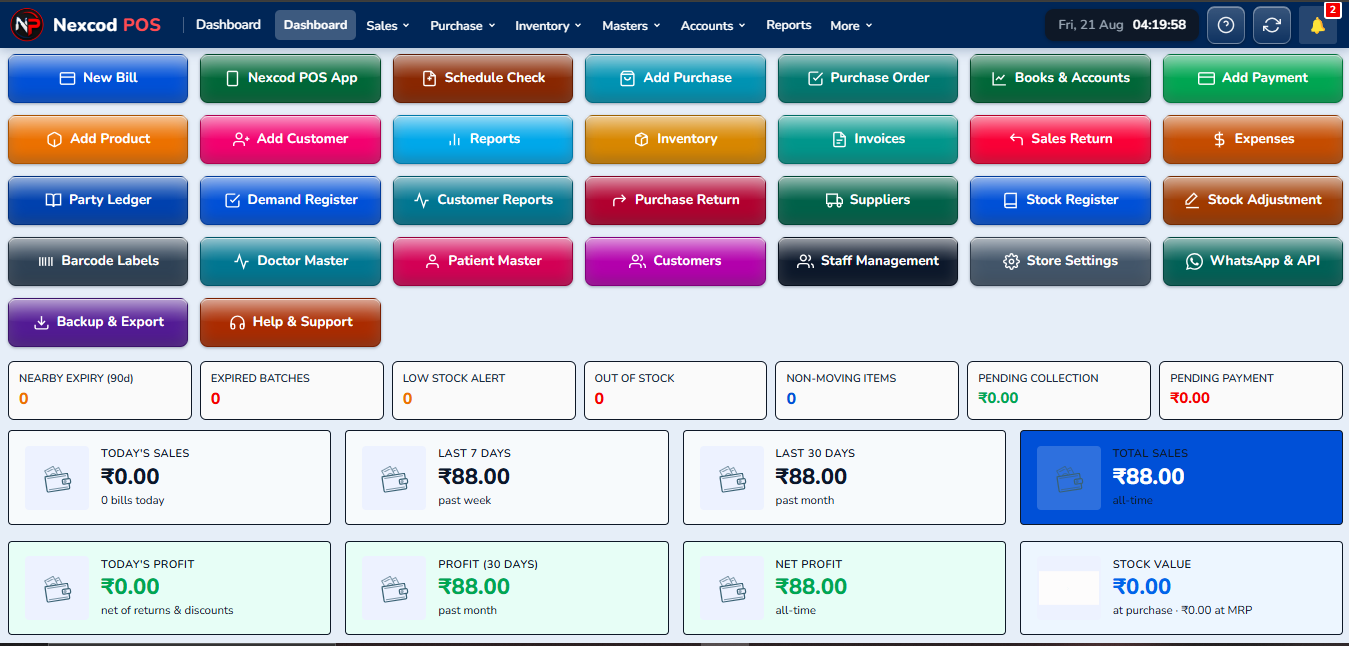
The first screen after login: today's sales and profit, what customers owe, what is close to expiry, and a button for every section.
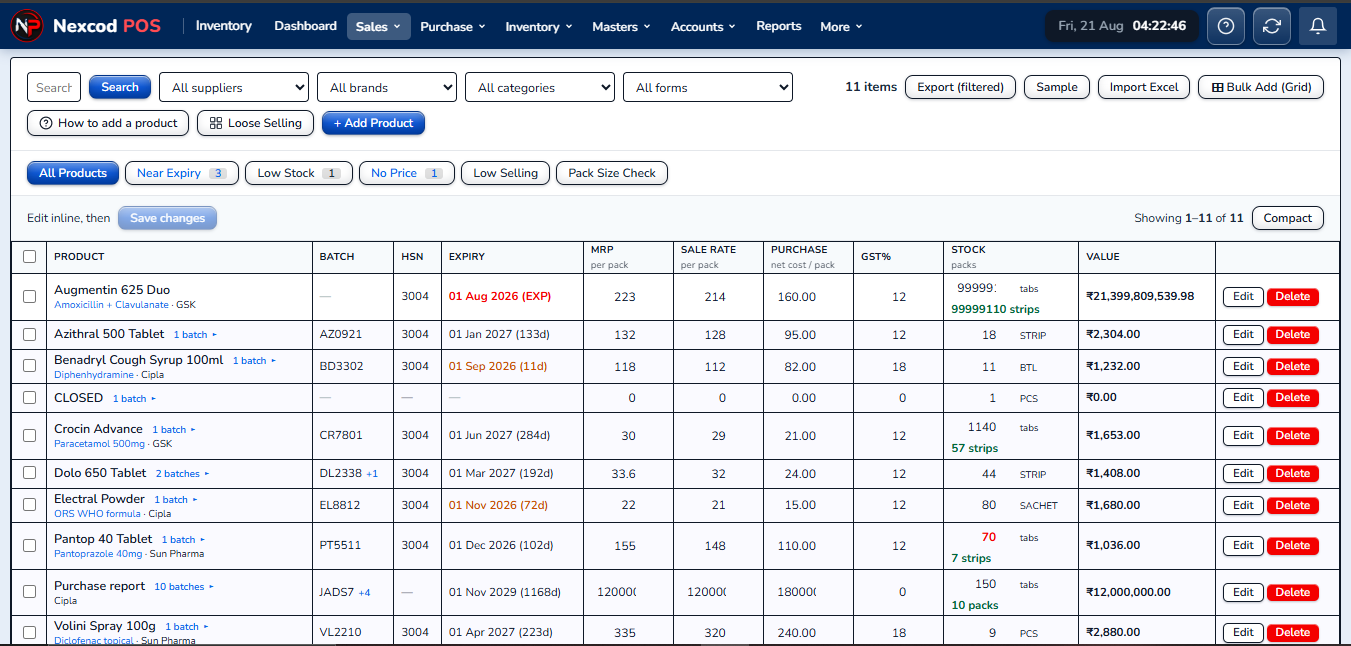
Every medicine with its batches, stock and rates. Change a row where it stands, or bring in the whole list from Excel.
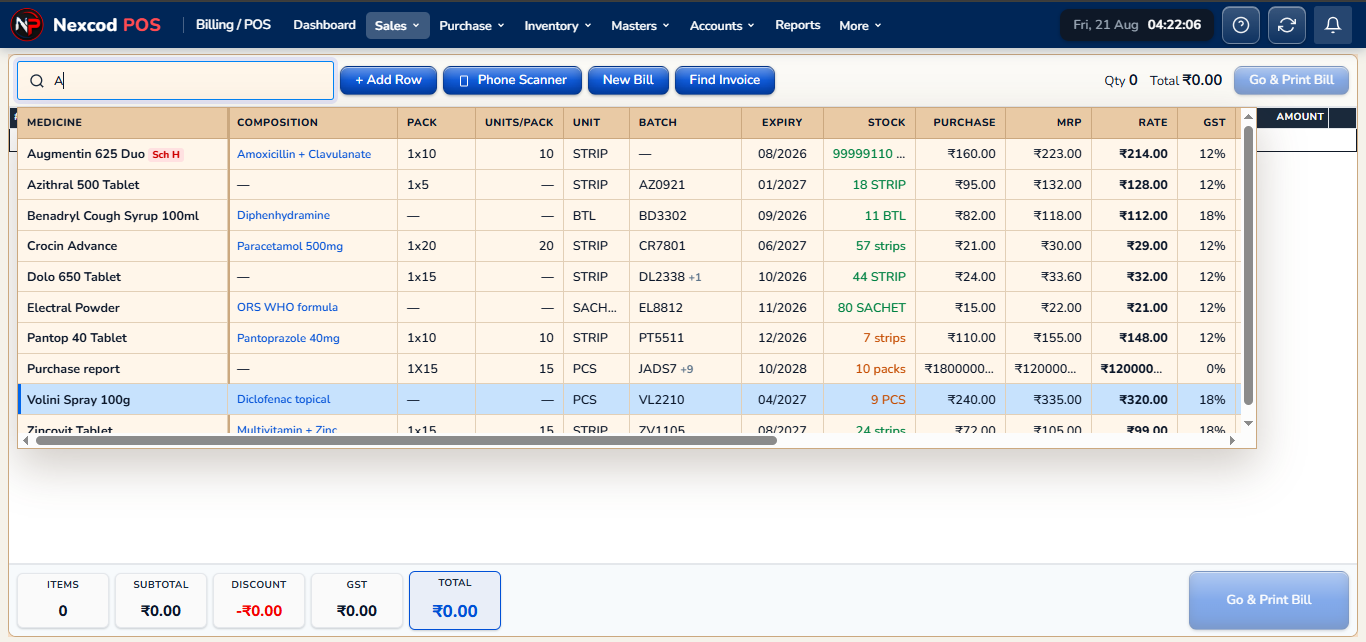
The billing counter. Find a medicine, pick the batch, choose strips or loose tablets, then print the bill or send it.
A distributor's bill entered line by line, with batch, expiry, free goods and discount. Stock goes up when it is saved.
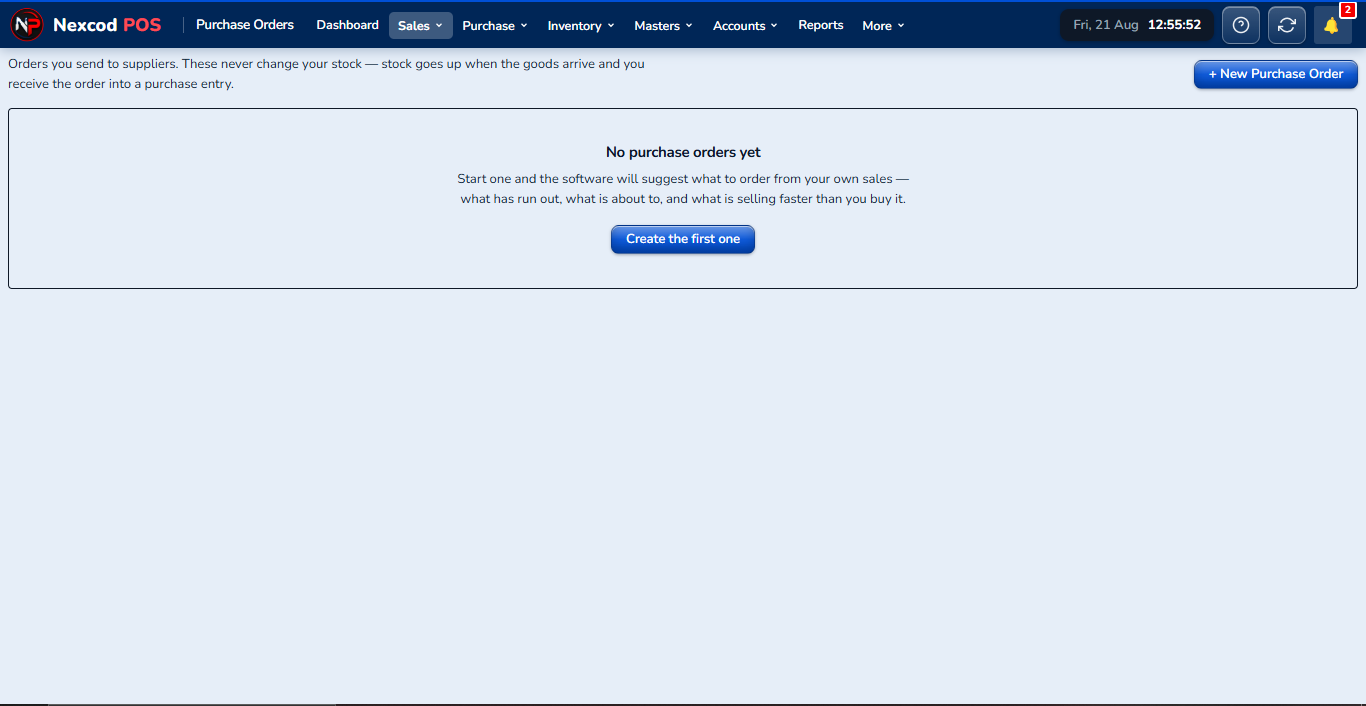
Sales by day, by bill, by customer or by medicine, with the profit on each worked out from what that batch cost.
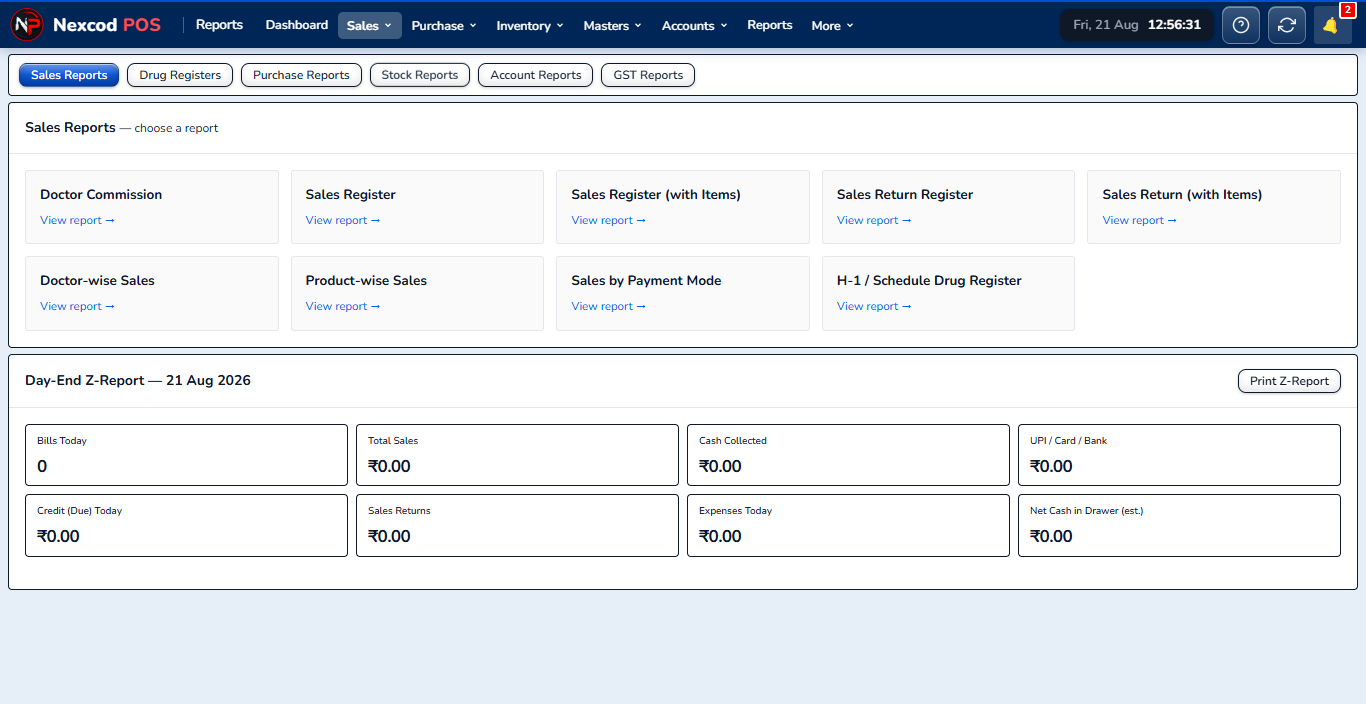
Schedule H and H1 registers, filled in from the bills with the doctor and the patient, ready to show an inspector.
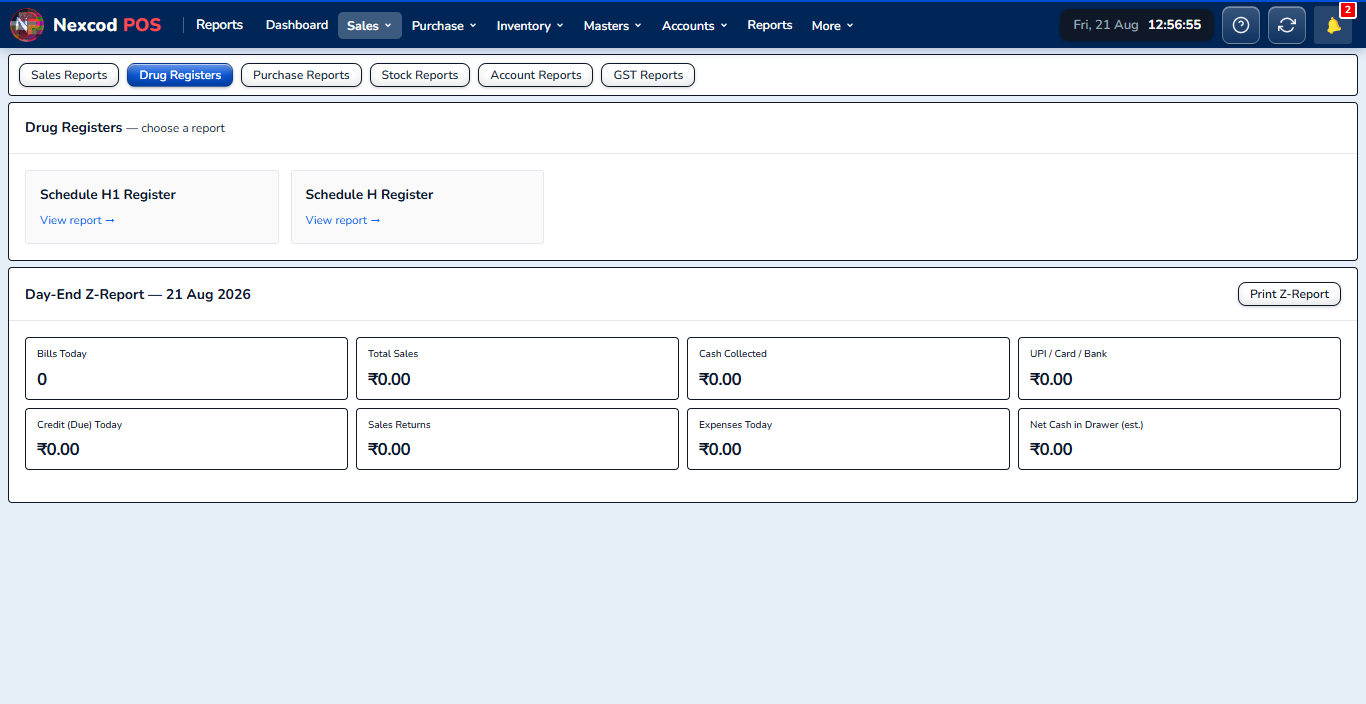
The purchase register, totals for each supplier, purchase returns, and purchases month by month.
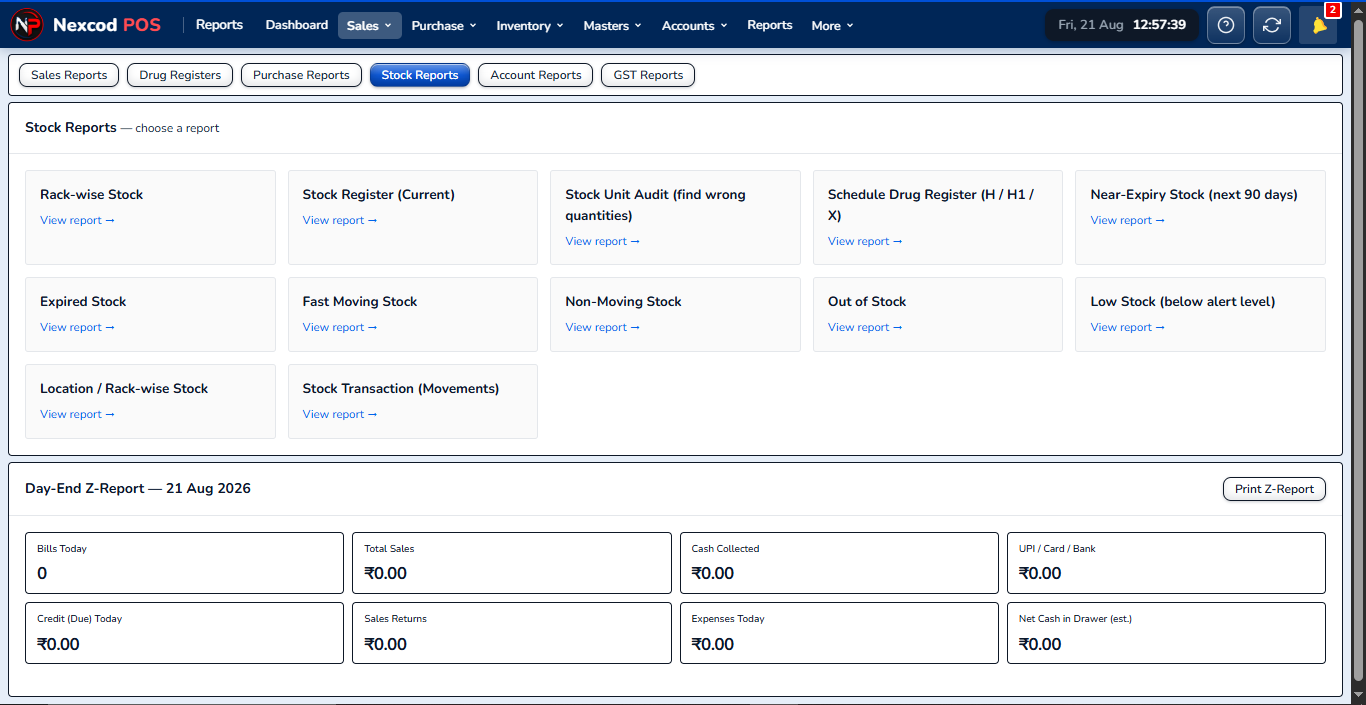
Current stock, stock by rack, near-expiry, fast and slow sellers, low stock, and every movement of every medicine.
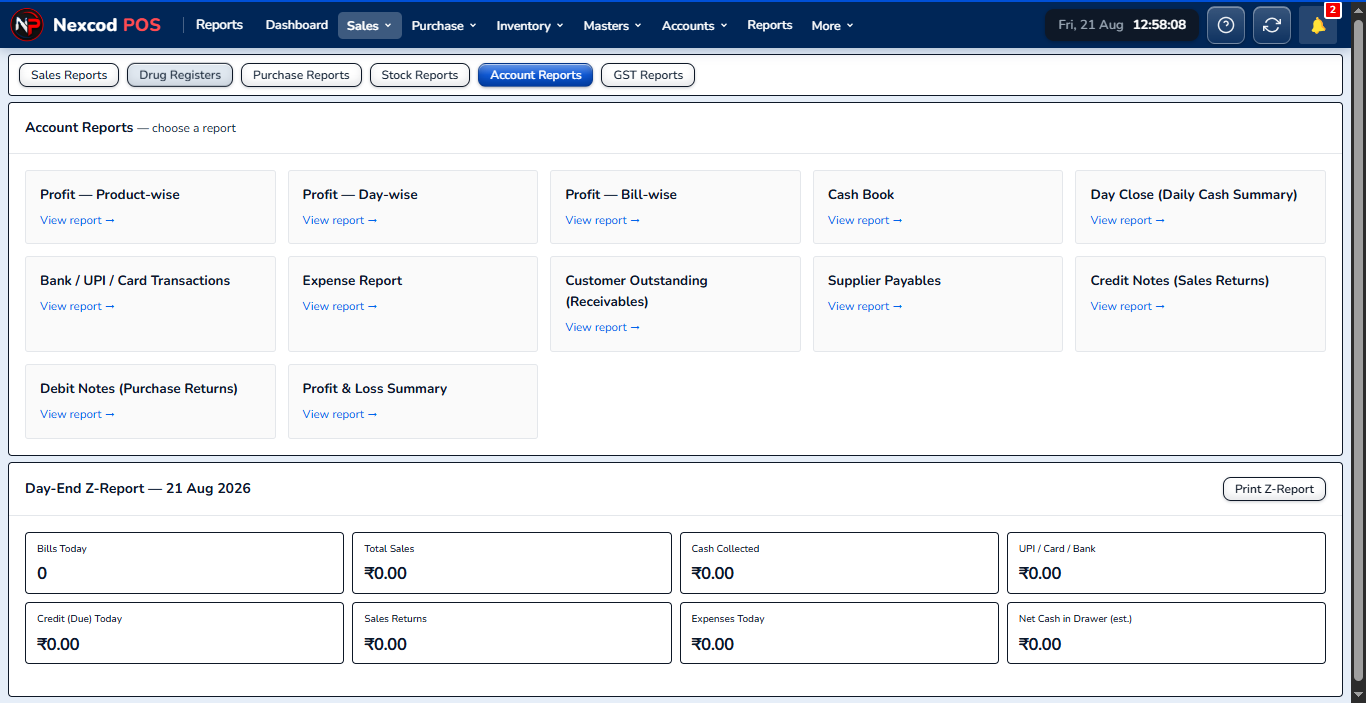
Profit and loss, cash flow, expenses, what is owed to you and what you owe, and a summary for each day.
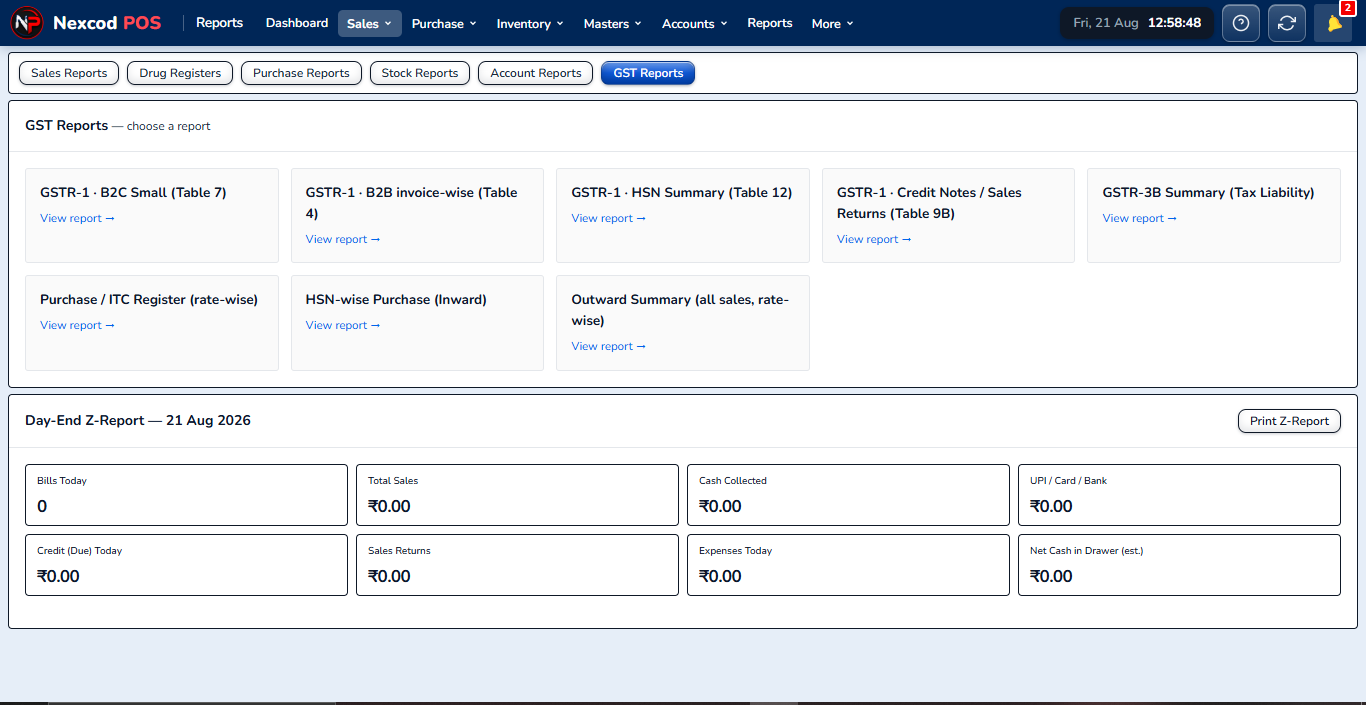
GSTR-1, the HSN summary, purchase ITC, sales returns and the tax payable, for whatever period you choose.
Pick up the strip, type three letters or scan it, and the bill is made with the right batch, MRP and GST. The stock, the customer's dues and the day's reports move with it, so there is nothing to write up later.
Built around what a medical store actually does between opening the shutter and closing the till.
Every feature, in detailType three letters to find a medicine, pick the batch you are holding, sell a strip or four loose tablets out of it, and print.
The customer gets a link and a PDF of the same bill you printed, not a different-looking copy. If WhatsApp is reconnecting, it waits and goes on its own.
One switch turns the bill from counter prices to trade rates and re-prices what is already on it. The wholesale bill prints as a proper tax invoice: both GSTINs, place of supply, HSN and the tax split on every line.
HSN, CGST and SGST or IGST by place of supply, and a Bill of Supply if you are unregistered or on composition. Schedule H and H1 registers with the prescriber, ready to show.
Every batch keeps its own MRP, expiry and purchase rate. Near-expiry lists at 30, 60, 90, 120 or 180 days, with finished medicines left out.
Customer dues settle oldest bill first. Pay a distributor and it clears his bills one by one, so the voucher says which. Double-entry books behind all of it.
Give staff their own login and decide which sections they may open. Purchase rates and supplier bills can stay the owner's alone.
Try every feature free for 7 days. Then pay for a fixed period: nothing renews on its own.
7 days
₹0
No card needed
3 months
₹399
₹1,499
₹133 a monthYou save ₹1,100
6 months
₹699
₹2,499
₹117 a monthYou save ₹1,800
₹1,299
₹4,999
₹108 a monthYou save ₹3,700
The paid plans differ only in how long they run. Nothing renews on its own. See the refund policy.
Yes. It is made for retail pharmacies, medical stores and chemists in India: batch and expiry tracking, Schedule H registers, GST or composition billing, and drug stock.
No. It runs in the browser on a phone, a tablet or a computer. There is an Android app and a Windows app as well.
Yes. Invoices carry HSN codes, the CGST, SGST or IGST split, place of supply and a tax summary, and the GST reports are built in.
Yes. One account can run several stores, and each member of staff gets a login that opens only the sections you allow.
Yes. Every new account gets 7 days with every feature, and no card is needed. After that, choose a paid plan to keep billing.
It takes about a minute to open an account, and no card.